
Resource binding (CMS Pages, CMS Blocks, Terms and Conditions) manual
Resource binding (CMS Pages, CMS Blocks, Terms and Conditions) manual
This is related to CMS Pages, CMS Blocks, Terms and Conditions resources only.
1) Create translatable resource.
First of all you need to find store view which is a default language for Langshop.
You can find default store view in the extension settings of Langshop. Default store view is disabled. In the example below it is english store view.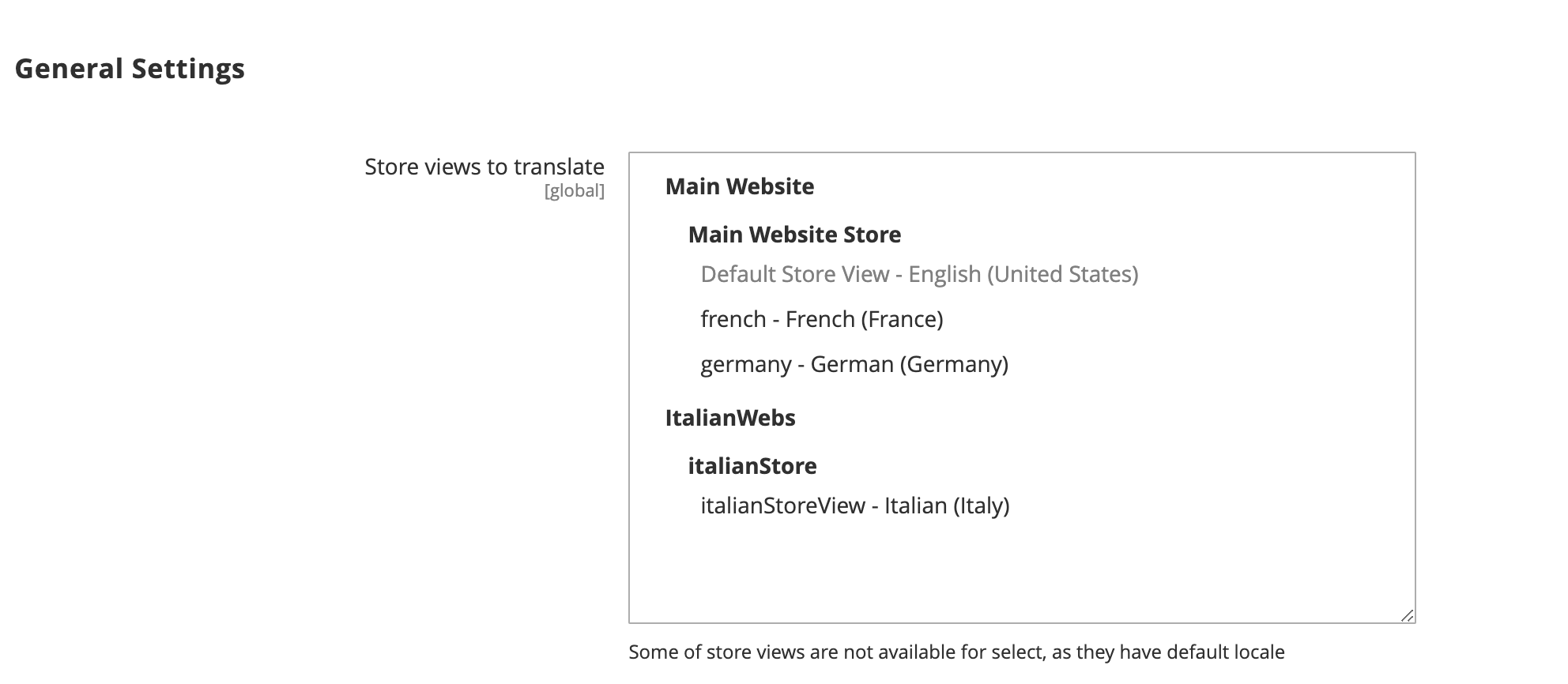
- CMS Block
When creating new CMS block you are required to specify either All Store Views or default store view.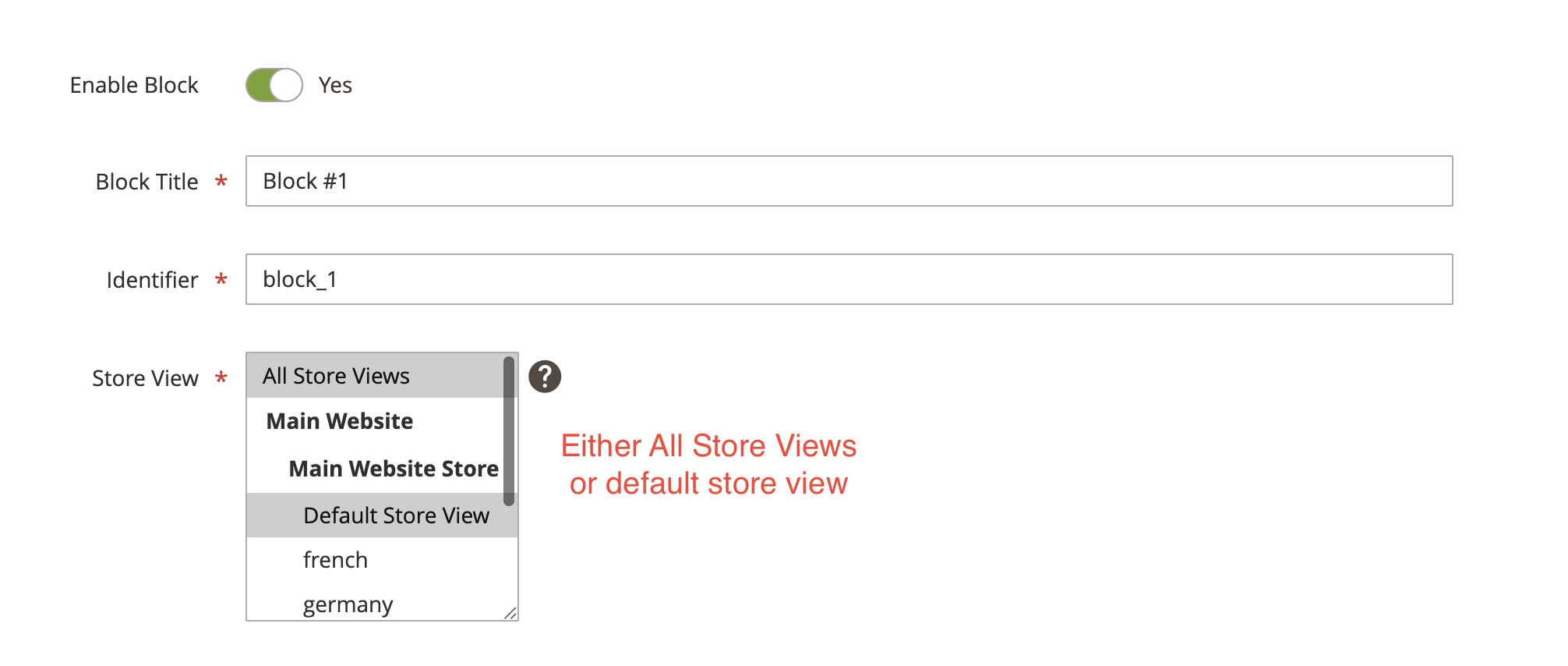
This block is marked as original source. Once you translate it using Langshop it will create additional blocks with translations for each available language.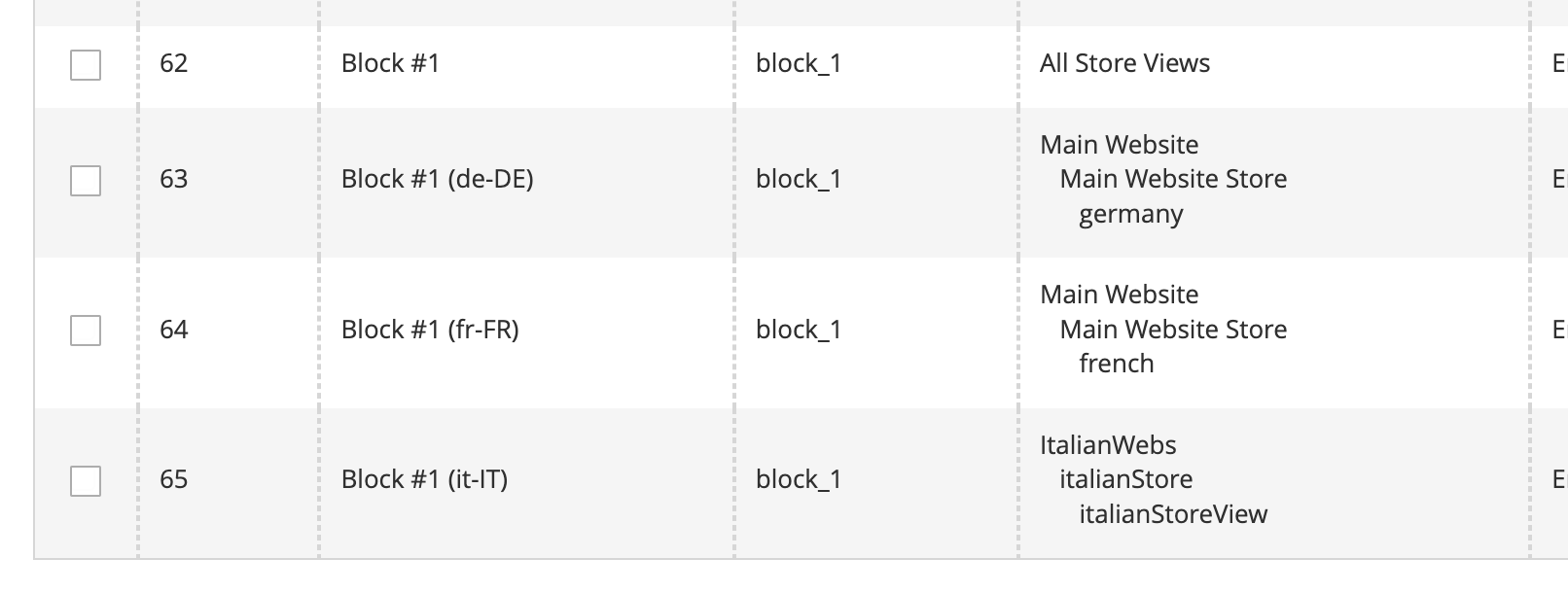
As you can see several blocks were created for each language (note how block title is changed by adding language suffix for each block).
That's why you have to select default store view for original block. Langshop automatically translates block for other non-default languages and create entities with translation in Magento. Let's say you selected French (which is not default), in this case Langshop will try to auto create block with French store selected which already exists, this will throw an error.
It is a must rule to select either All Store Views or default store view for original block. - CMS Page
When creating new CMS Block you are required to specify default store view only. That's because several pages with the same url cannot be specified on one store view.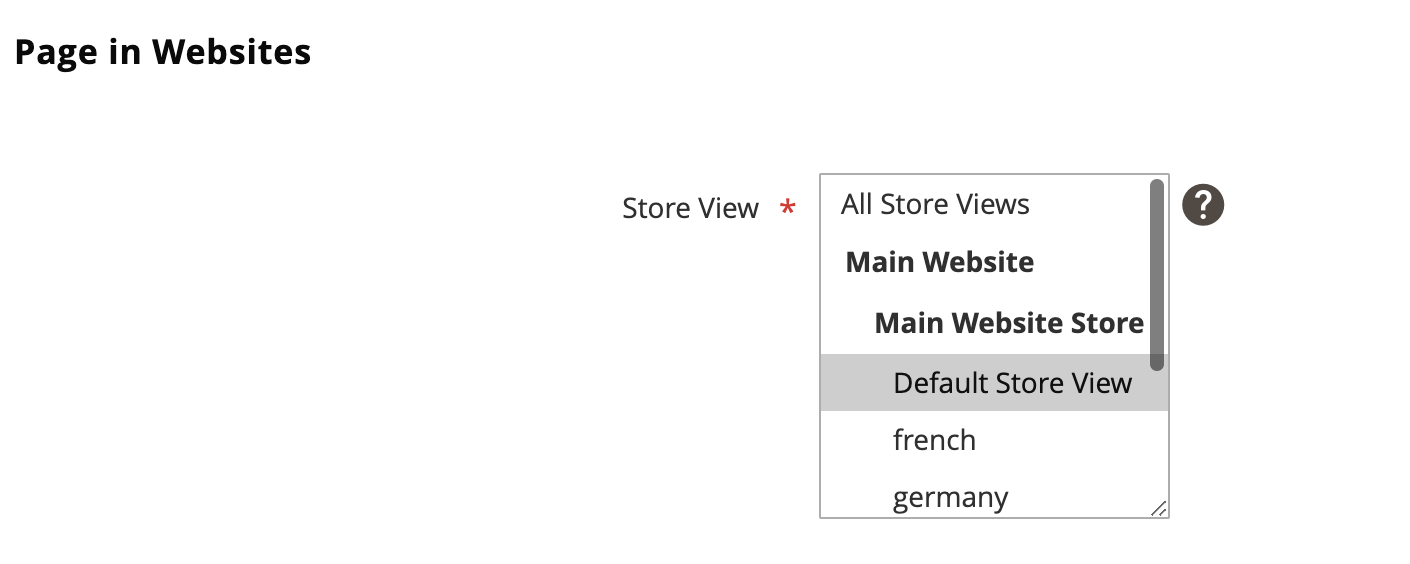
- Terms and Conditions
When creating new term you can select any store view, but proper way to do it is to specify only default store view, terms for other store views will be auto created.
In the result I would recommend to specify only default store view always for blocks, pages and terms. Other translations will be created automatically.
2) Uppdate translatable resource.
If you update original resource and translate it, all related (automatically created resources) will be updated/recreated
If you update automatically created resource, it's OK, but note, it will be overridden once you update original resource.
3) Remove translatable resource.
If you delete original resource, you have to remove automatically created resources manually.
4) Translation filter.
For CMS blocks and pages grid the following filter has been added:
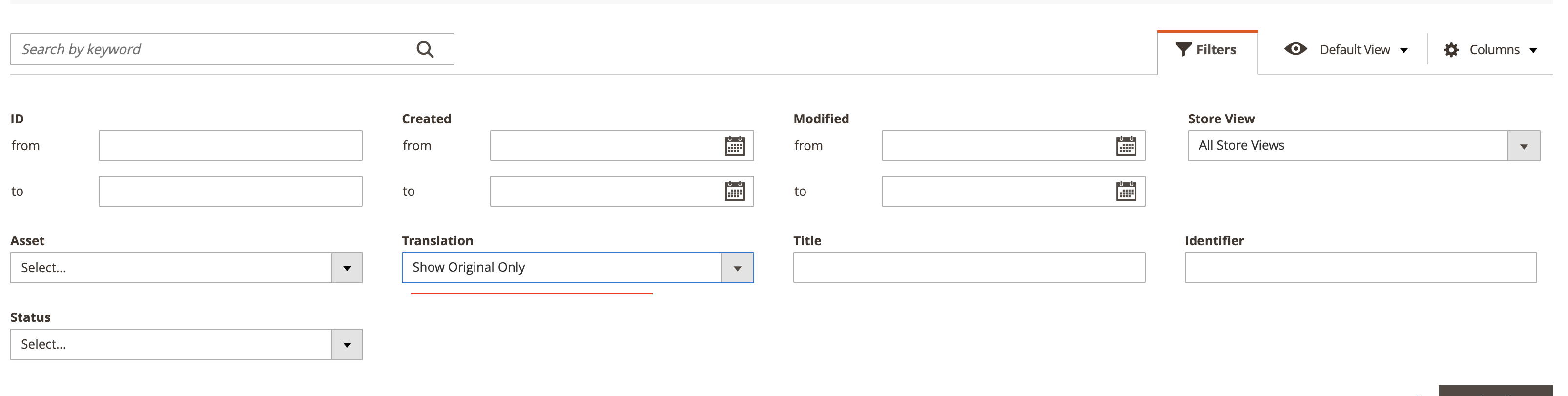
Applying this filter will hide automatically created resources.